How To Plan Projects With Kanban, Calendar, and AI Together
A practical workflow for combining QuestBoard's views and AI planning features to move from idea to execution.
How To Plan Projects With Kanban, Calendar, and AI Together
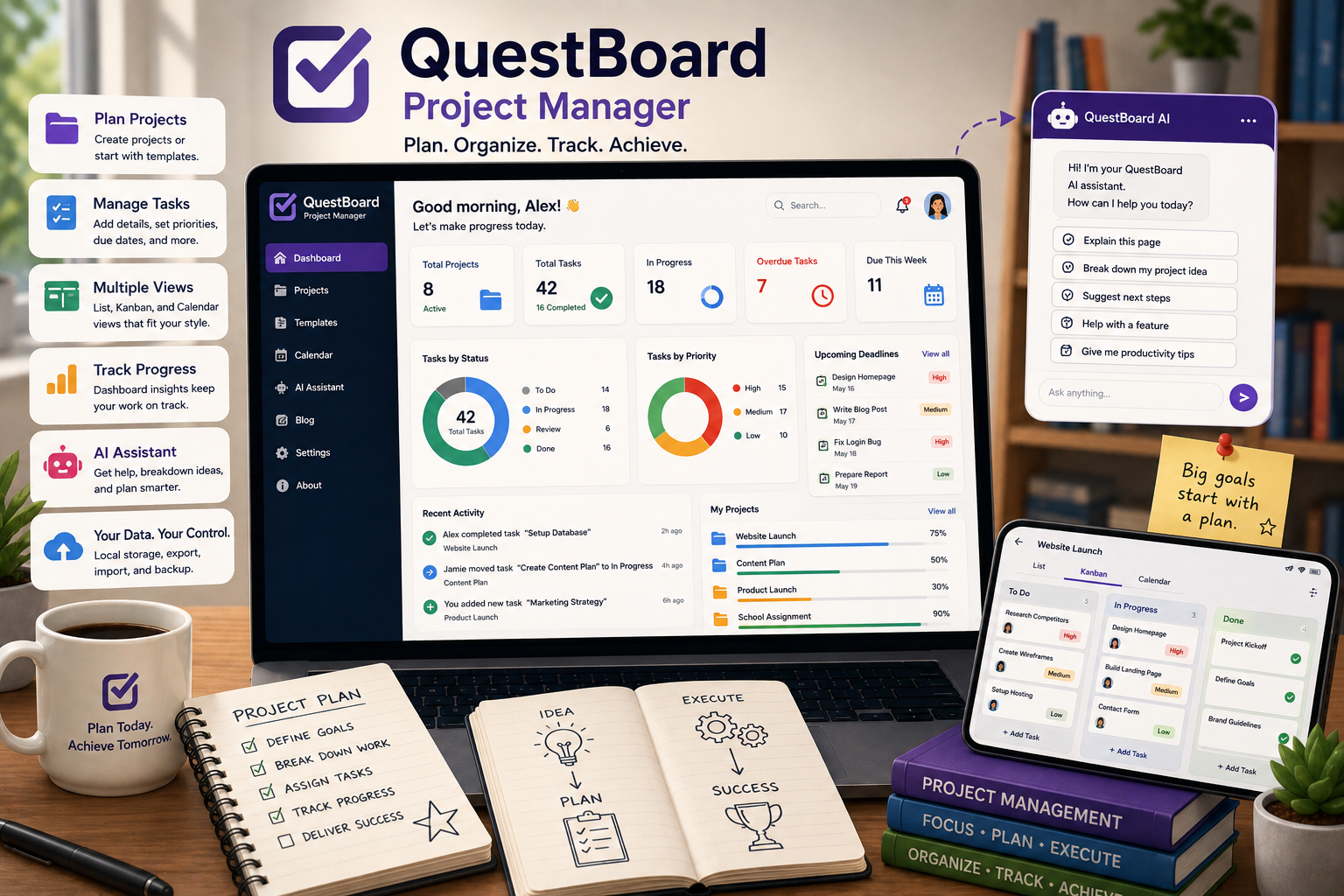
QuestBoard works best when you use each feature for a specific planning job instead of forcing one view to do everything.
Start with AI for rough structure
If you have a big idea but not much detail yet, use the AI task breakdown to turn that idea into a starting list of actionable tasks.
Move to list view for cleanup
Once the draft exists, review each task and improve it. Add priorities, due dates, notes, and subtasks so the work becomes realistic.
Use Kanban for active execution
Kanban is strong when you need a simple answer to one question: what is blocked, what is moving, and what is done. It gives you a quick operating view for the week.
Use calendar for deadline pressure
When timing matters, switch to calendar view and look for overloaded days, missing deadlines, or work that should be spread out more evenly.
Review insights regularly
Dashboard stats and reminders help you notice overdue work before it becomes a bigger problem.
The key idea is simple: let AI help you begin, let list view sharpen the details, let Kanban guide execution, and let calendar keep the schedule honest.